Search and filter data in SkanMate
Get a quick overview of your records and work purposefully with search and filtering
In SkanMate your data is gathered in clear tables, where you can easily search, filter and analyze your records. You get a quick overview and can adjust the view so you always work with the relevant data.
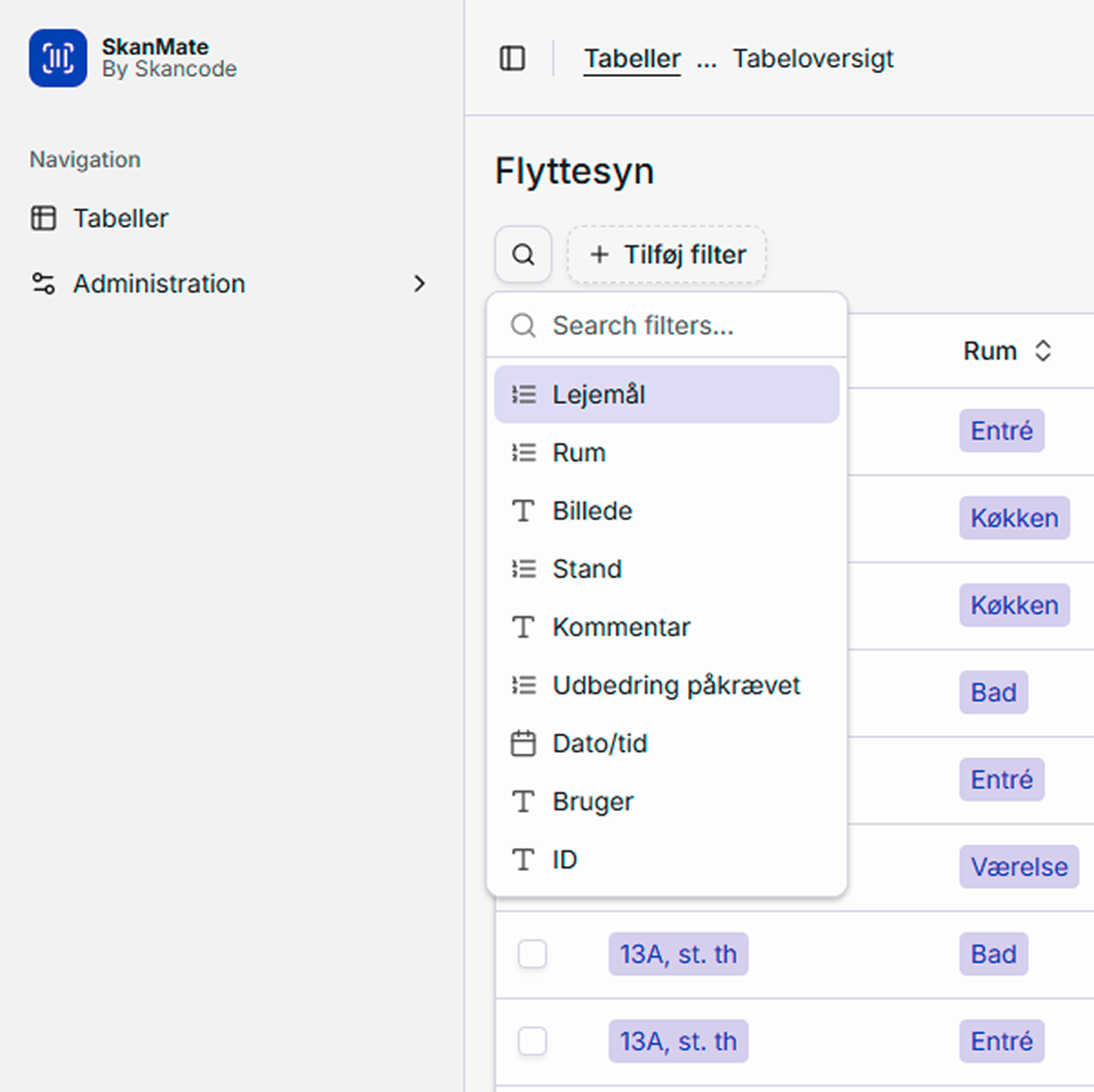
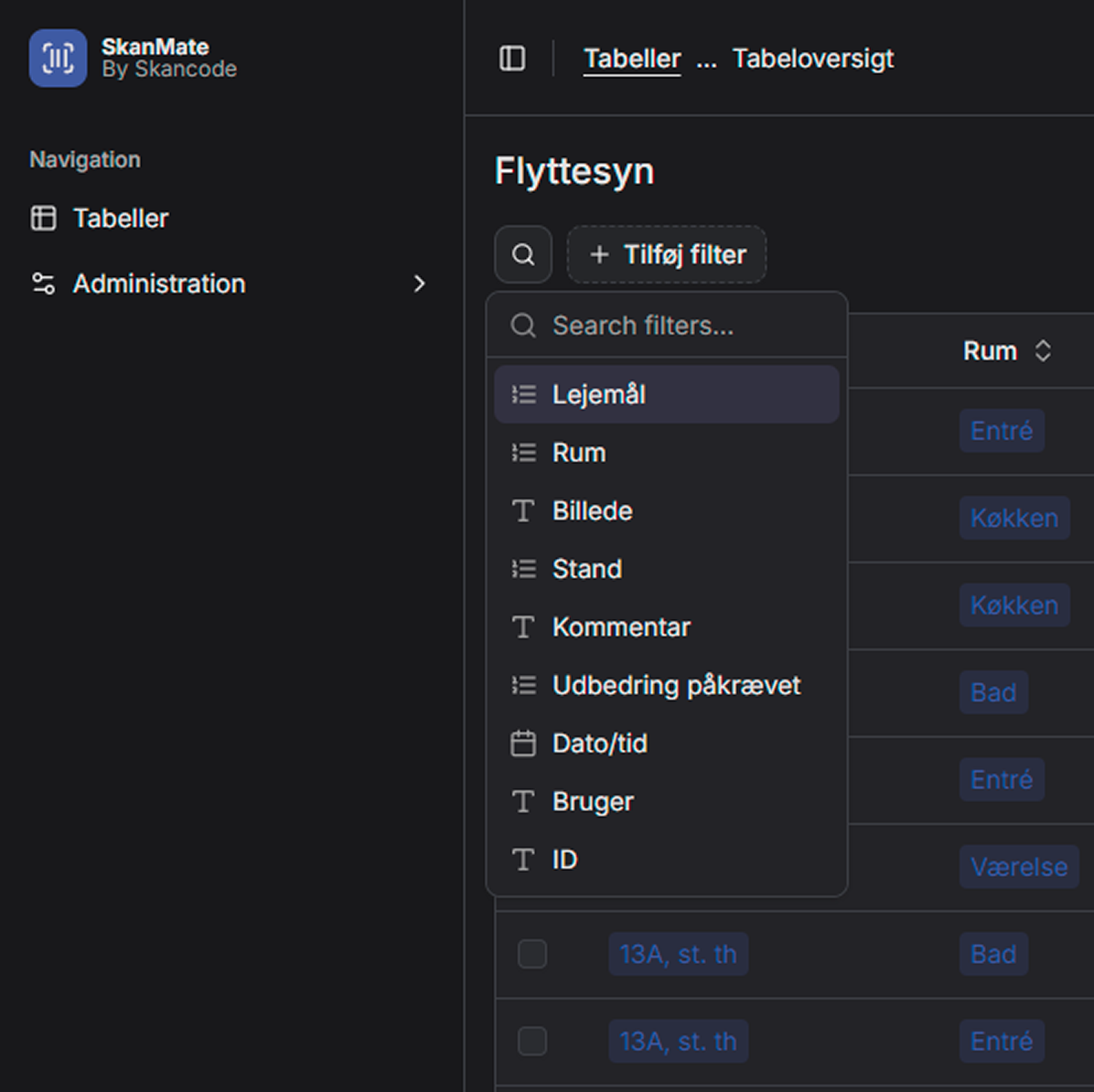
Search and filter directly in the table
You can filter data across all columns and freely search your data. This makes it easy to find exactly the records you need – without fiddling with manual extracts.
Customize the view for your work
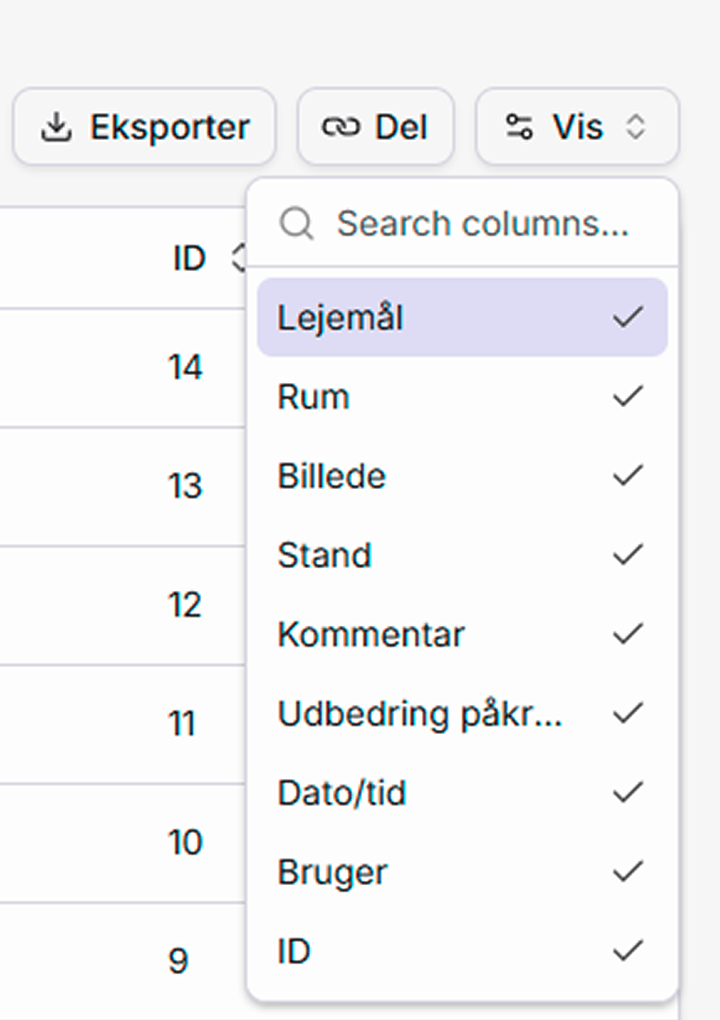
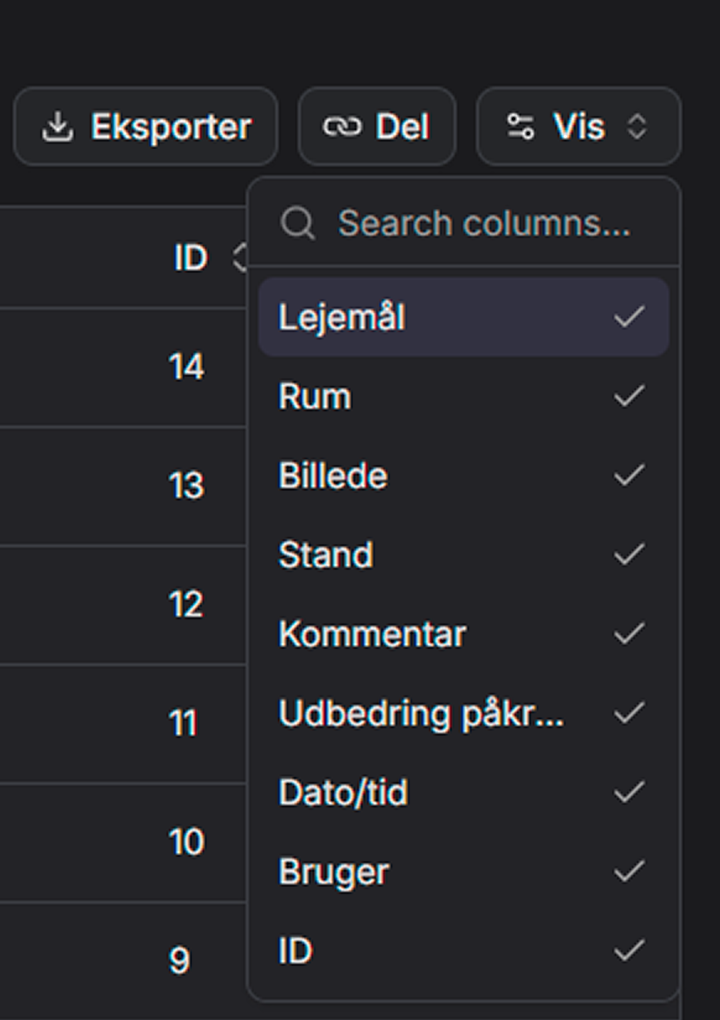
Adjust the column view as needed by choosing what to show and what to hide. You can adjust the view at any time
Export with one click
When your data needs to be used further, e.g., in documentation or for a client, you can easily export your current view to Excel. The export takes your active filters and columns into account.
Web tool for follow-up
The whole tool is designed so you can work with your data directly in the web interface – without having to export first. It saves time and ensures you always work with the latest data set.
Har du spørgsmål?
Så tøv ikke med at kontakte os. Vi er altid friske på at snakke om SkanMate.

