Photo and GPS documentation in SkanMate
Easily document work with photos and GPS directly in the registration
With photo and GPS fields in SkanMate, documentation becomes a natural part of the registration. Photos and location are automatically linked to your data, giving you full traceability and a clear overview of the work.
Photo directly in the registration
When you insert a photo field in a table, the user can take pictures directly in the app as part of the registration.
You can freely insert multiple photo fields in the same table and organize the photo documentation in a clear way.
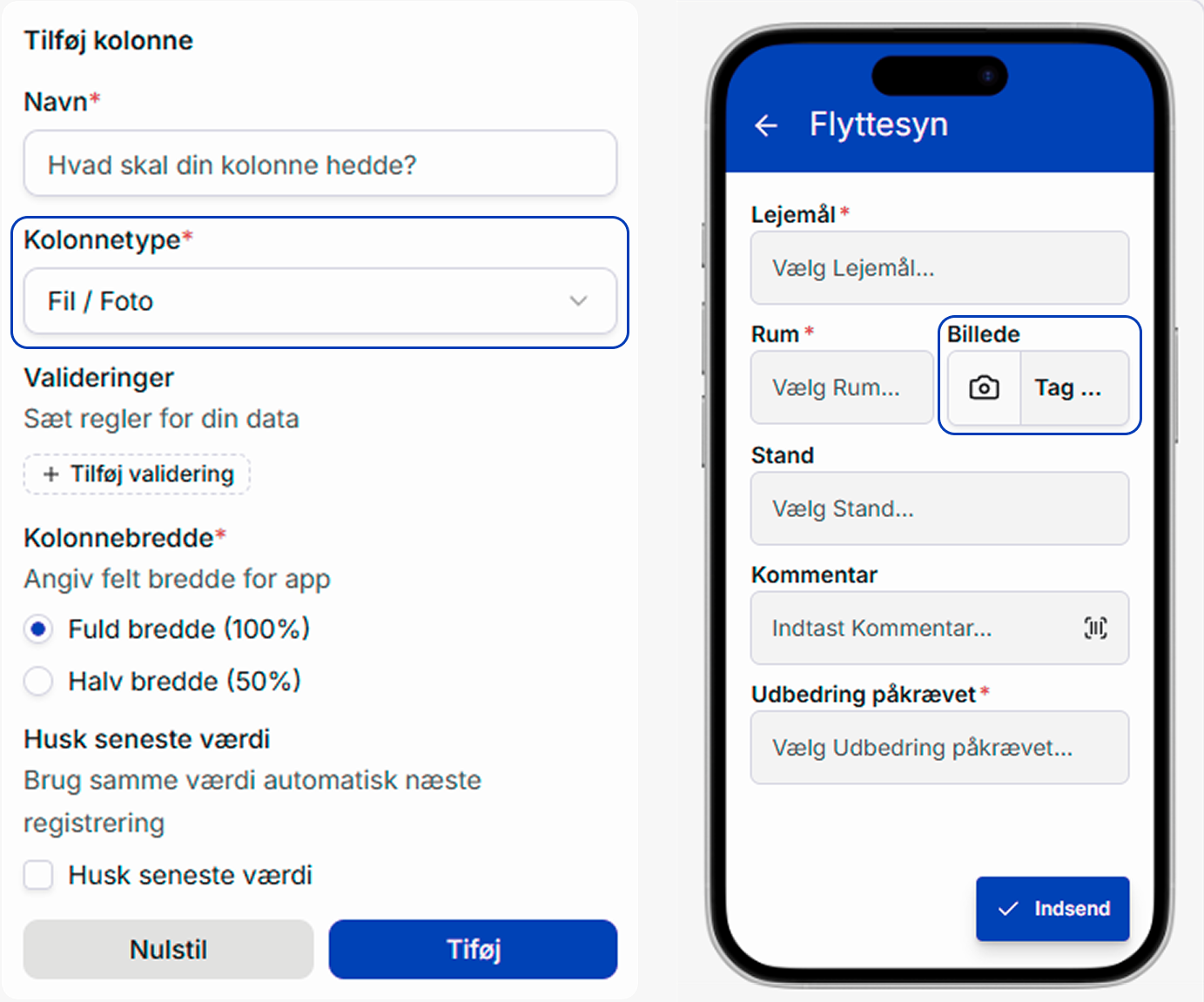
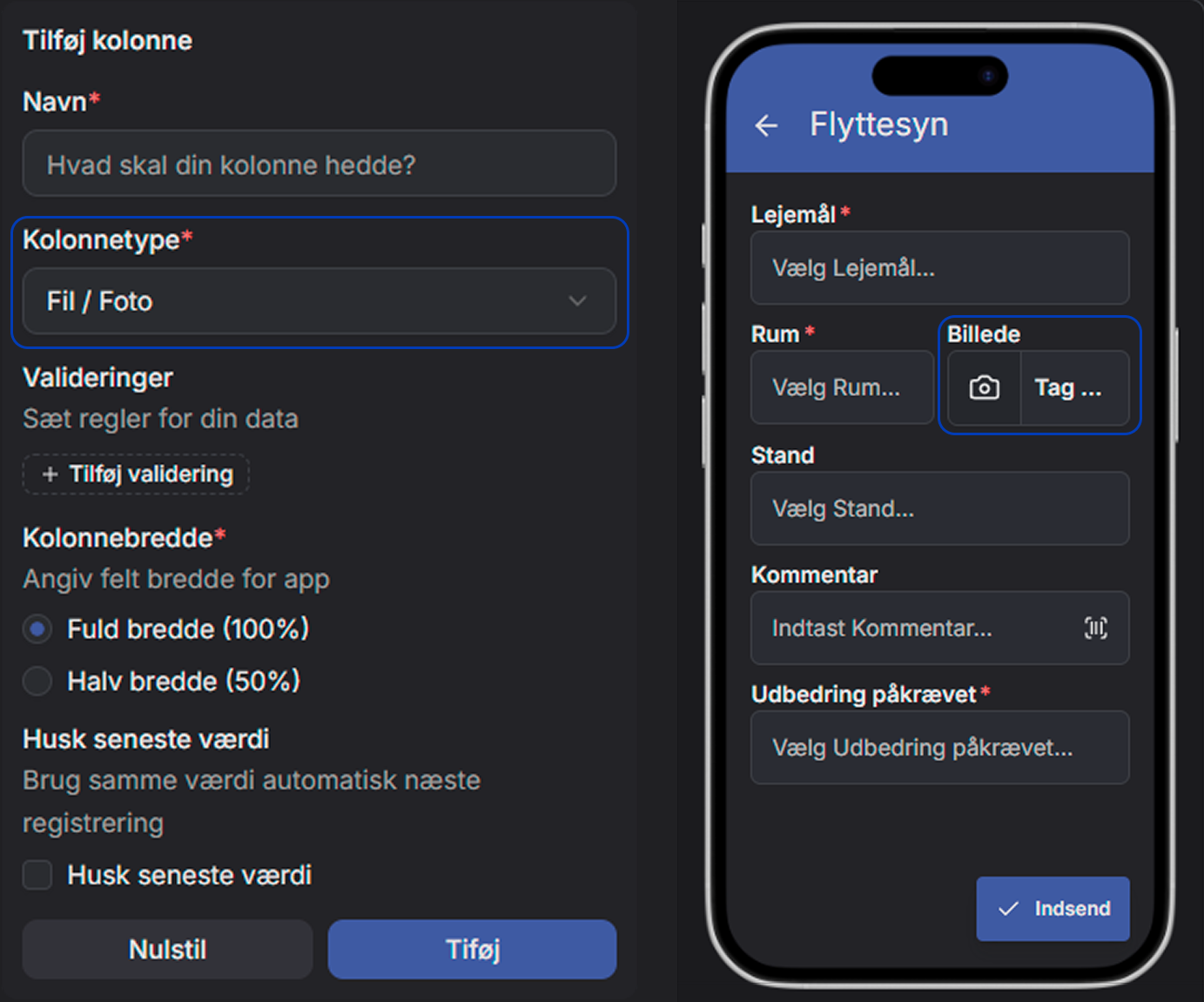
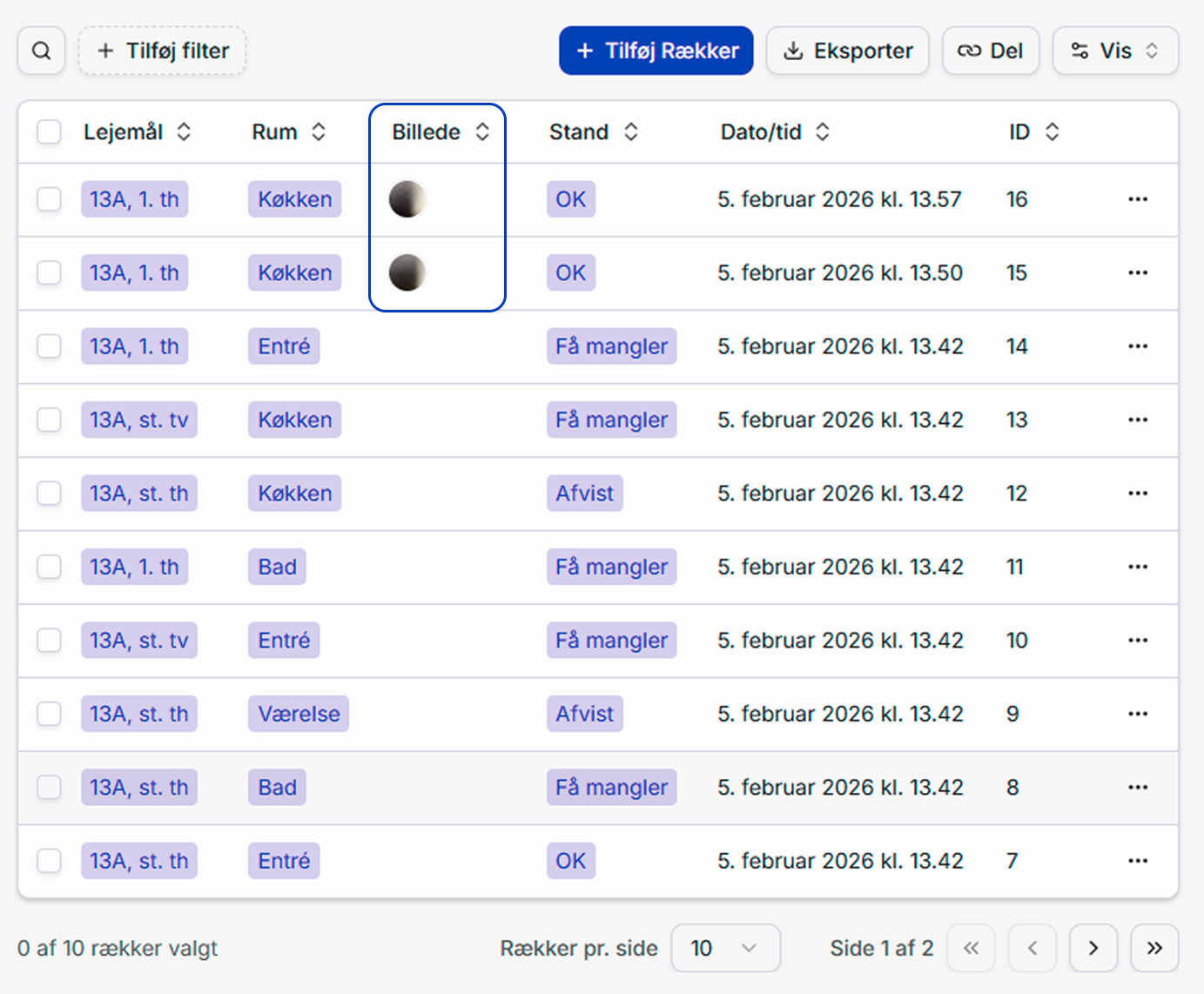
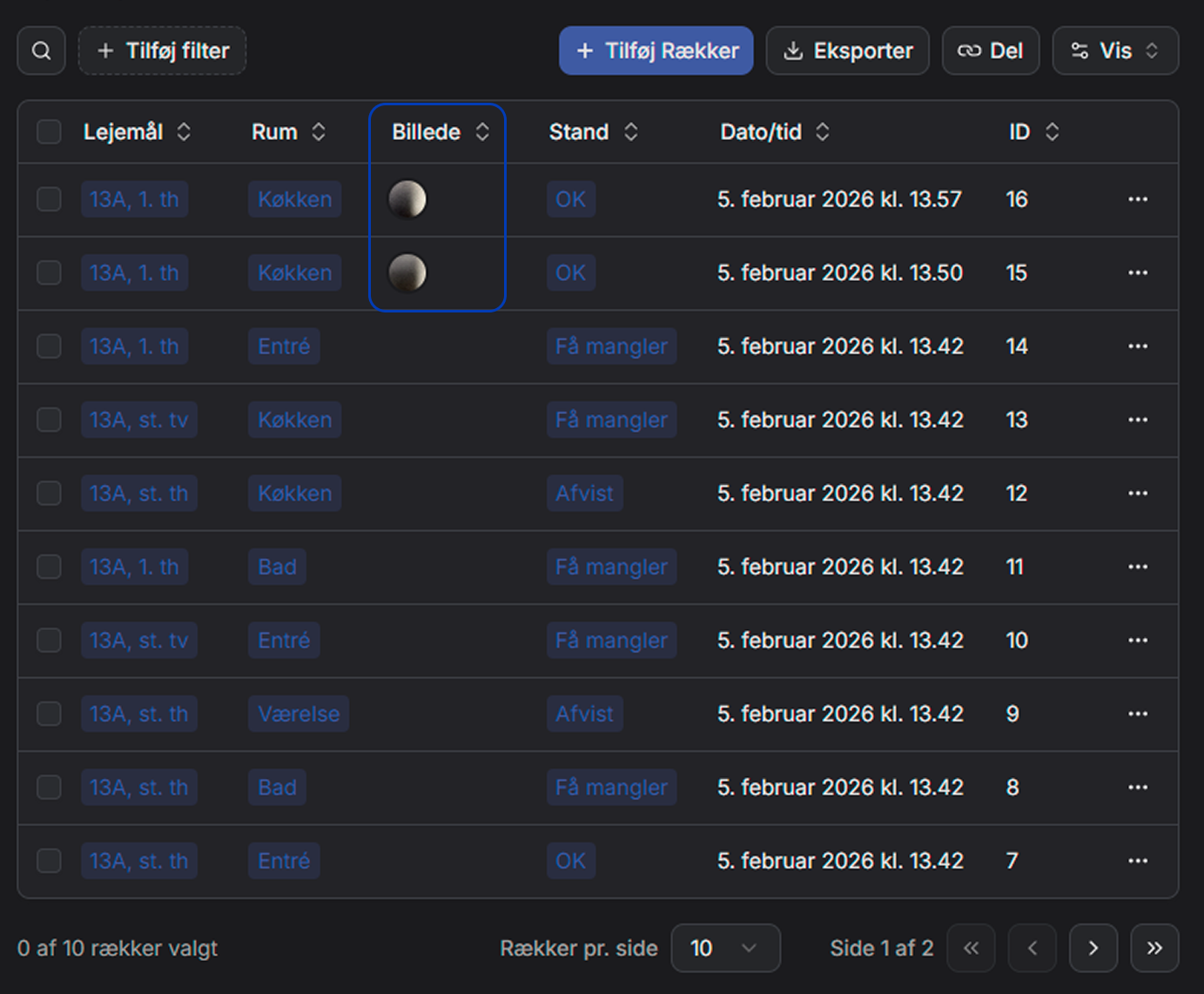
The photos are automatically saved together with the data and are always linked to the correct task. It is possible to add multiple photos in the same photo field, so the work can be documented from multiple angles or steps.
GPS is automatically recorded upon creation
By inserting a GPS field in the table, the location is automatically recorded when the registration is performed.
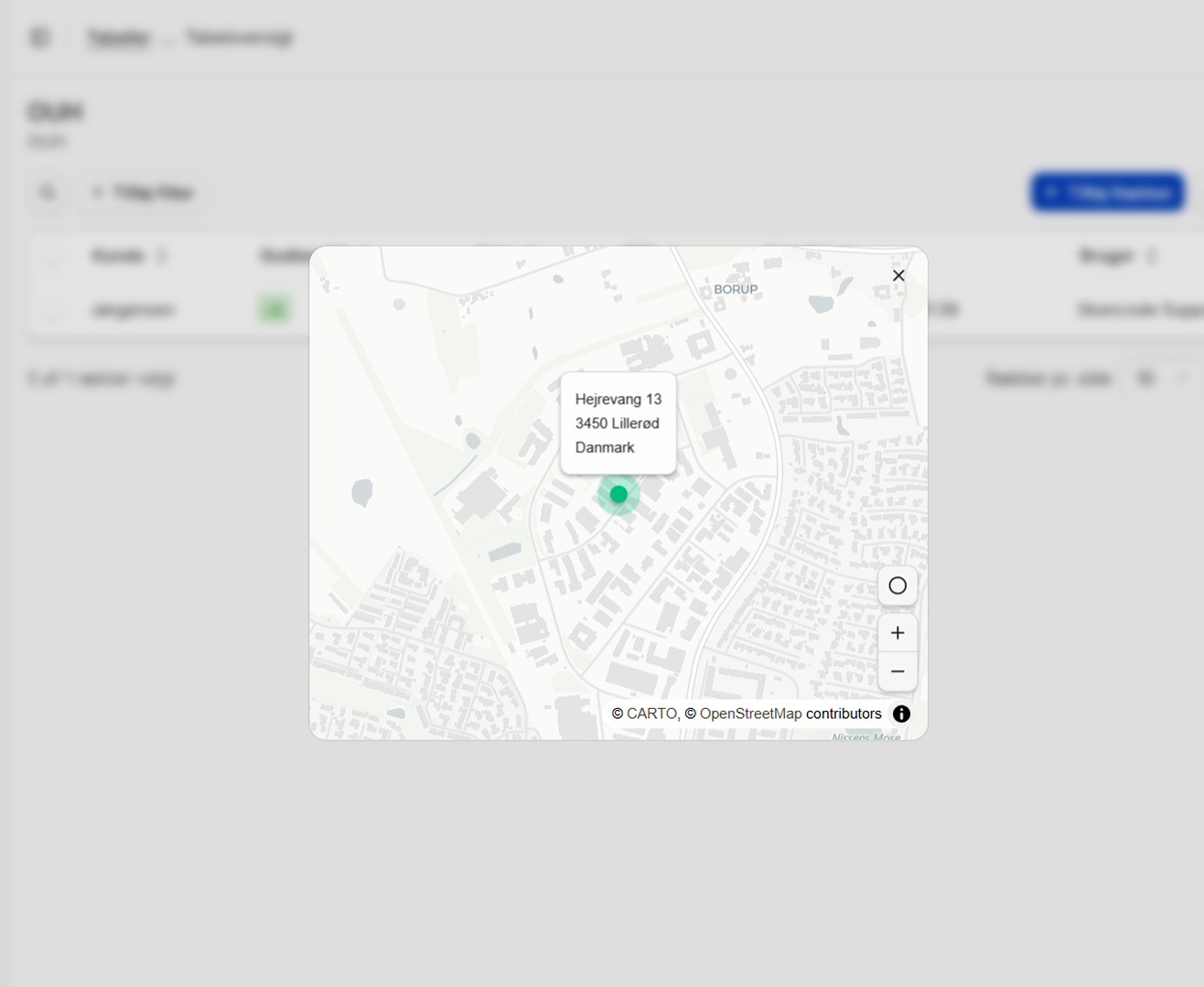
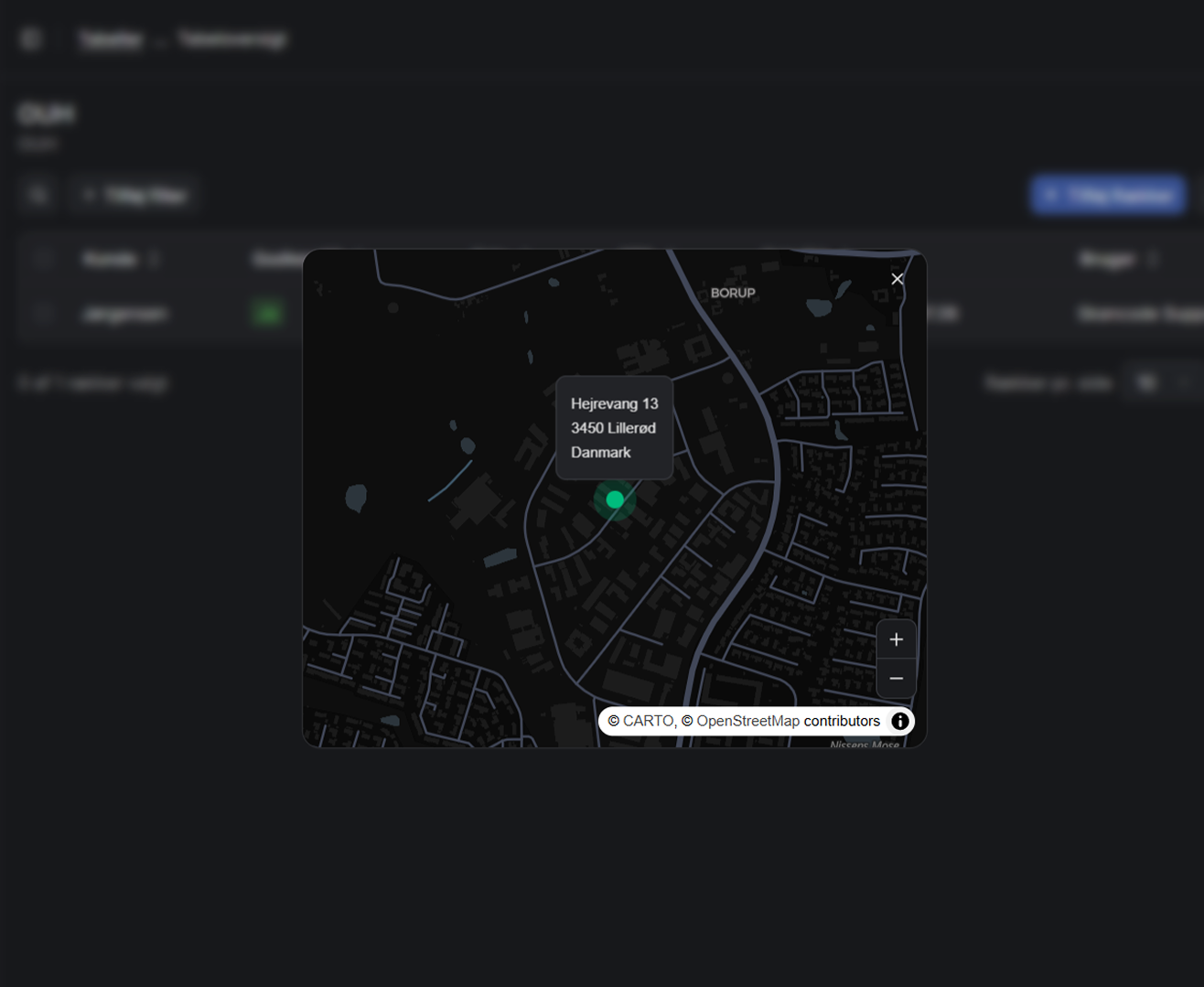
GPS is not shown to the user in the app, but appears clearly in the table on the web, where it is possible to see where the registration was made.
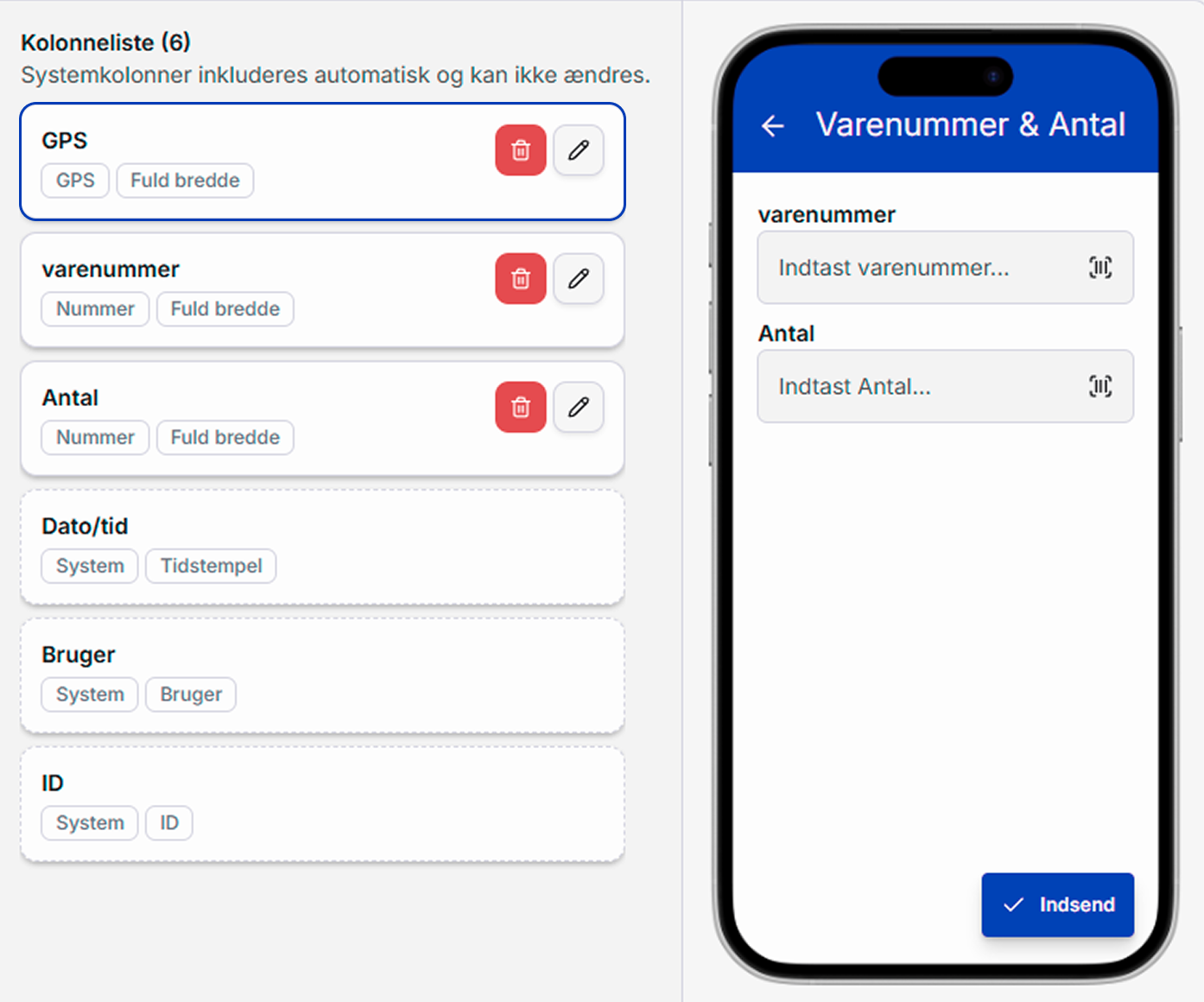
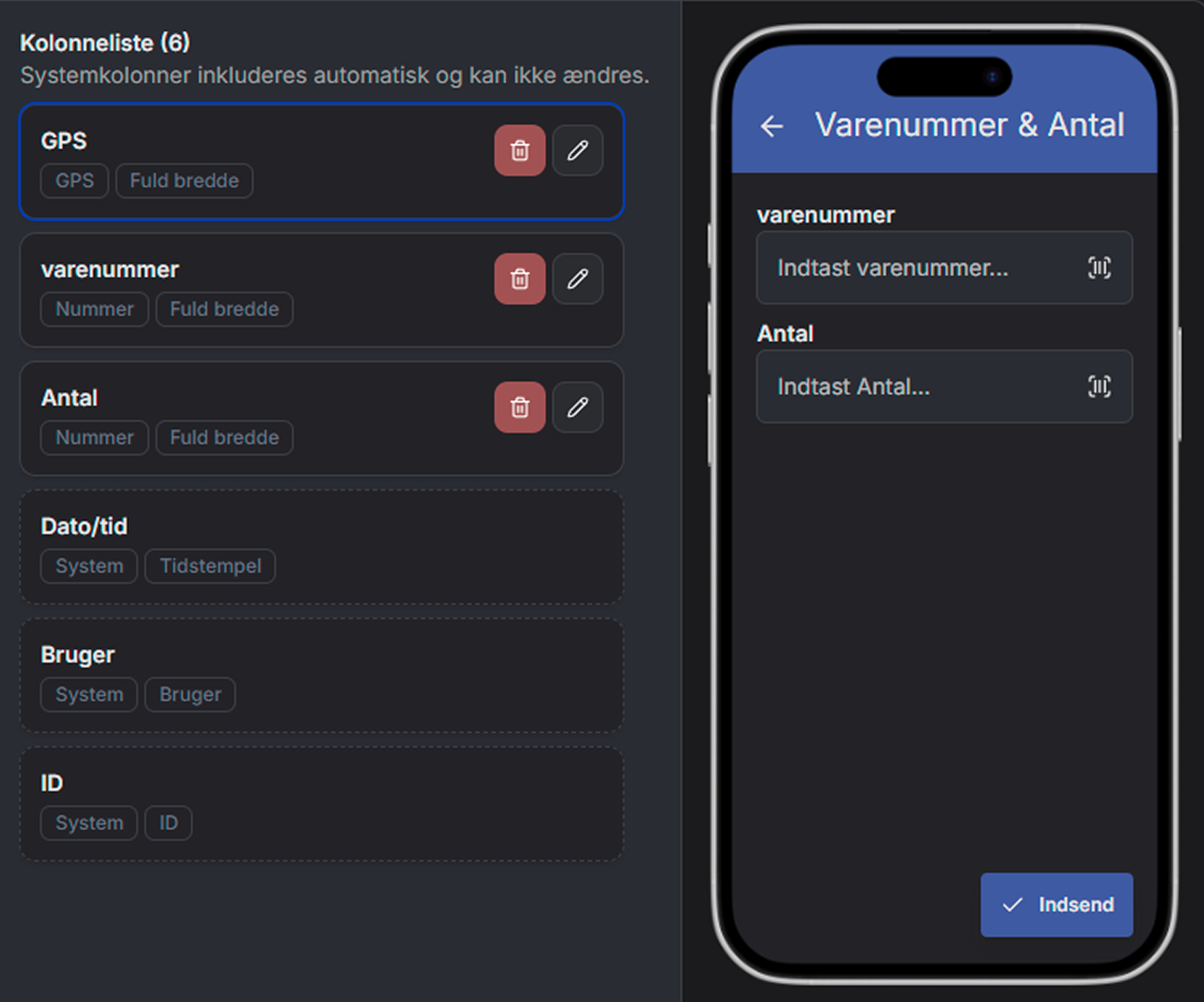
All combined in the table
Photo, GPS and other data are stored together in the table. It provides a clear overview and makes it easy to find documentation again – even long after the registration has been made.
Ideal for field work
The combination of photo and GPS is especially valuable for tasks where documentation can otherwise be difficult to collect. The user can focus on the work while documentation happens automatically in the background.
Enhances quality and trust
Visual documentation and precise location strengthen both internal quality assurance and external documentation for customers and partners.
Related features in SkanMate
Build and customize tables visually on the web – with live preview in both app and web. Fast, intuitive and completely code‑free.
Create your own mini‑apps without code. Customize fields, structure and access – fast and flexible, directly on the web.
Share tables securely with others via readable links – no login and no edit access. Choose what to display and for how long.
Har du spørgsmål?
Så tøv ikke med at kontakte os. Vi er altid friske på at snakke om SkanMate.

