User Management and Access Control
Control who has access to what – on web and app
With user management in SkanMate you can assign access to tables and functions for each user. Customize the system for different roles and ensure proper data handling.
Create new users with a few clicks
When you invite a new user, you select role, access (web and/or app) and which tables are available. You can also grant access to all tables at once. The invitation is sent via email and can expire automatically.
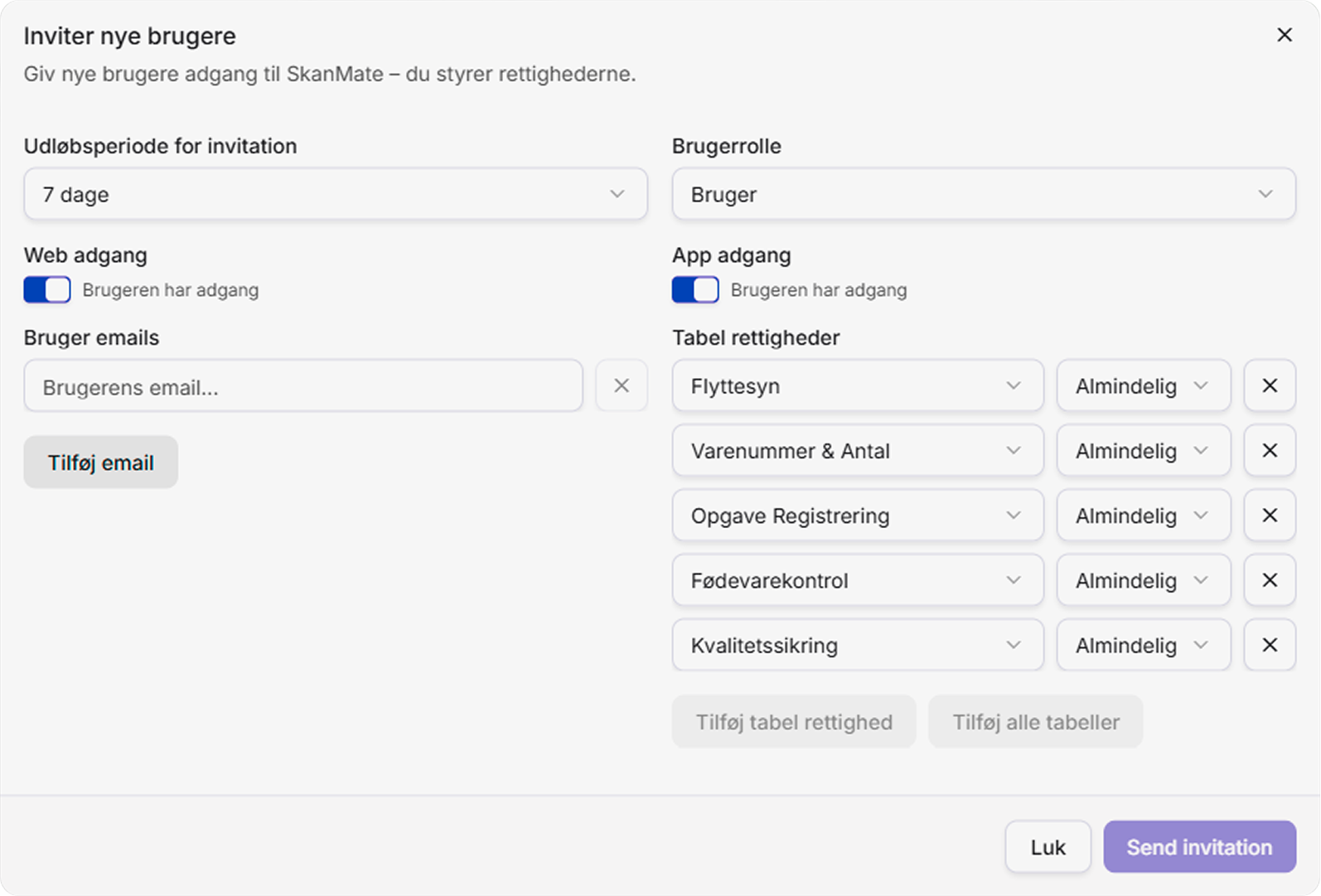
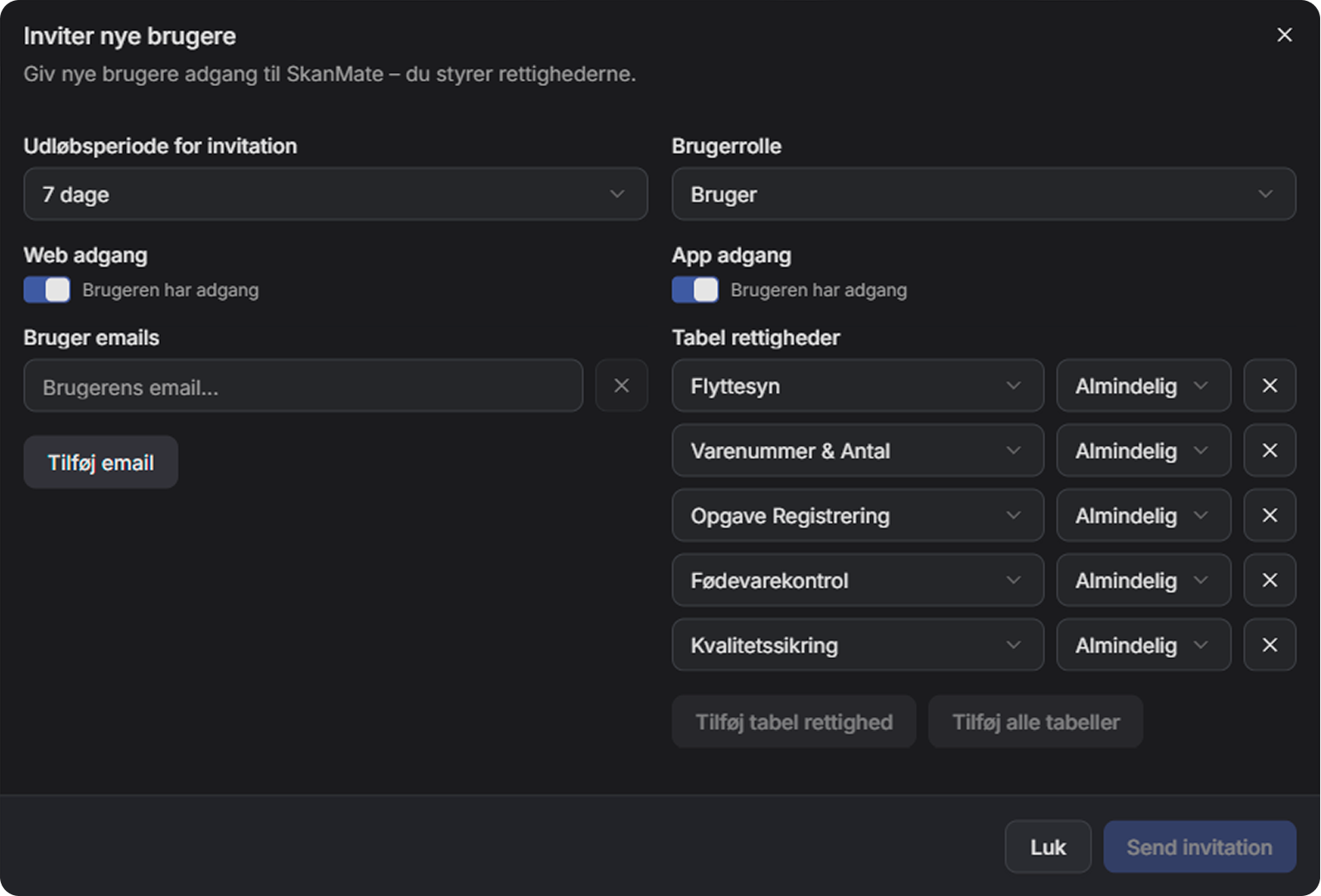
Permissions and roles
Access and permissions in SkanMate are managed through a combination of roles and table settings. This makes it easy to customize access and distribute responsibilities among users, projects, and teams.
Admin
The Admin role is the top role and typically the primary account holder:
- User management
- Account settings
- Can view everything and edit everything
User
The User role is intended for everyday users. Permissions are managed via settings on each individual table:
- Read access – can only view
- Standard – record, view, and edit data
- Manager – design and manage tables
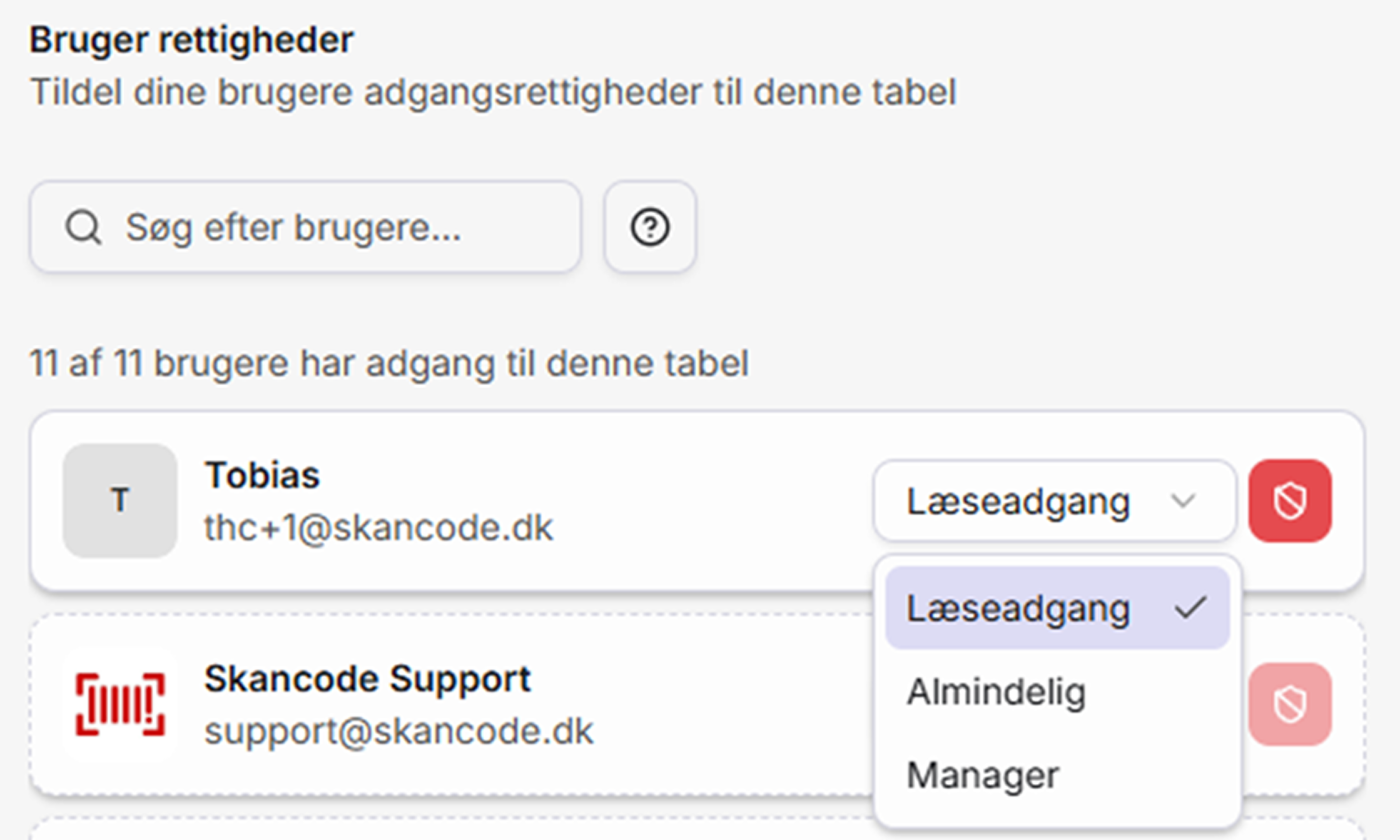
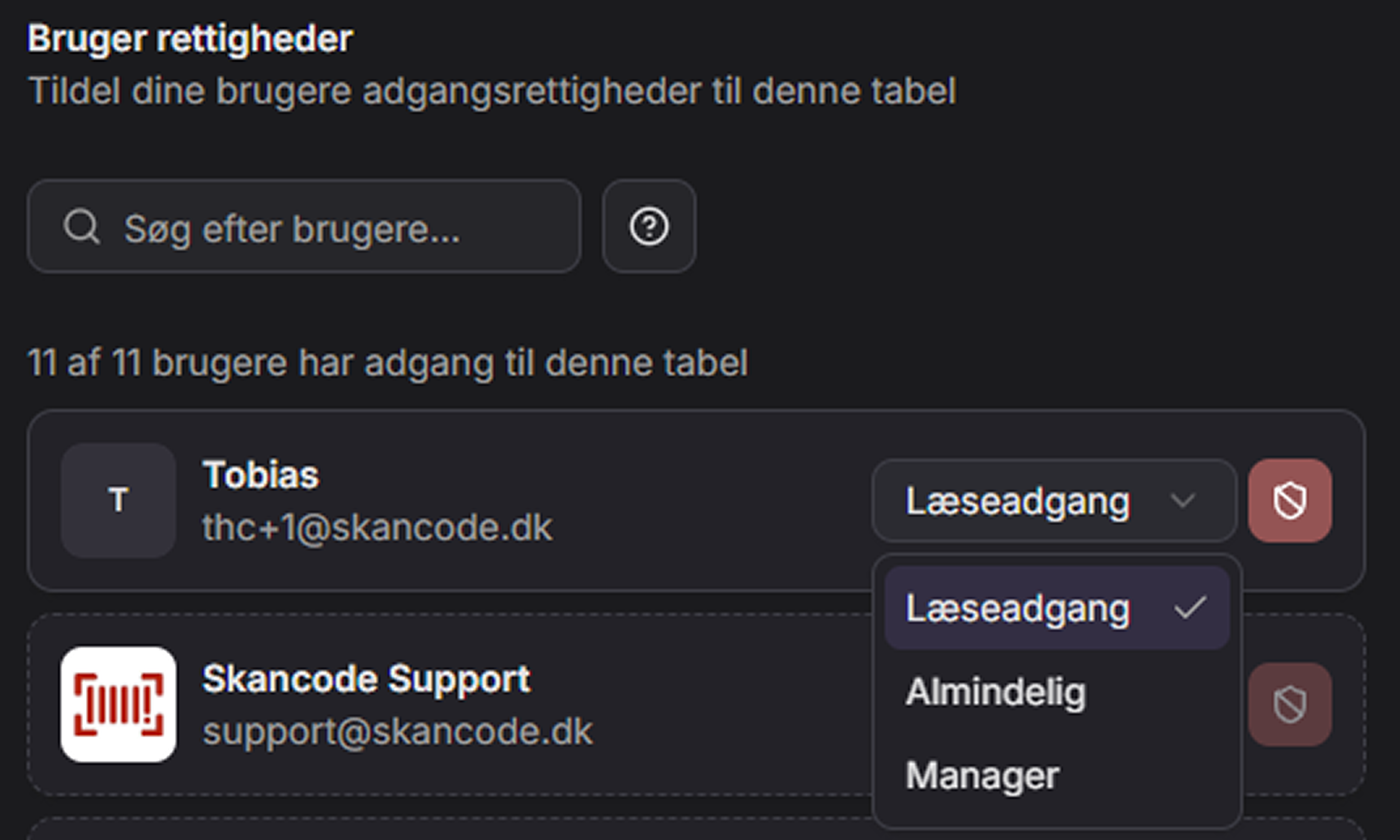
Full overview and easy administration
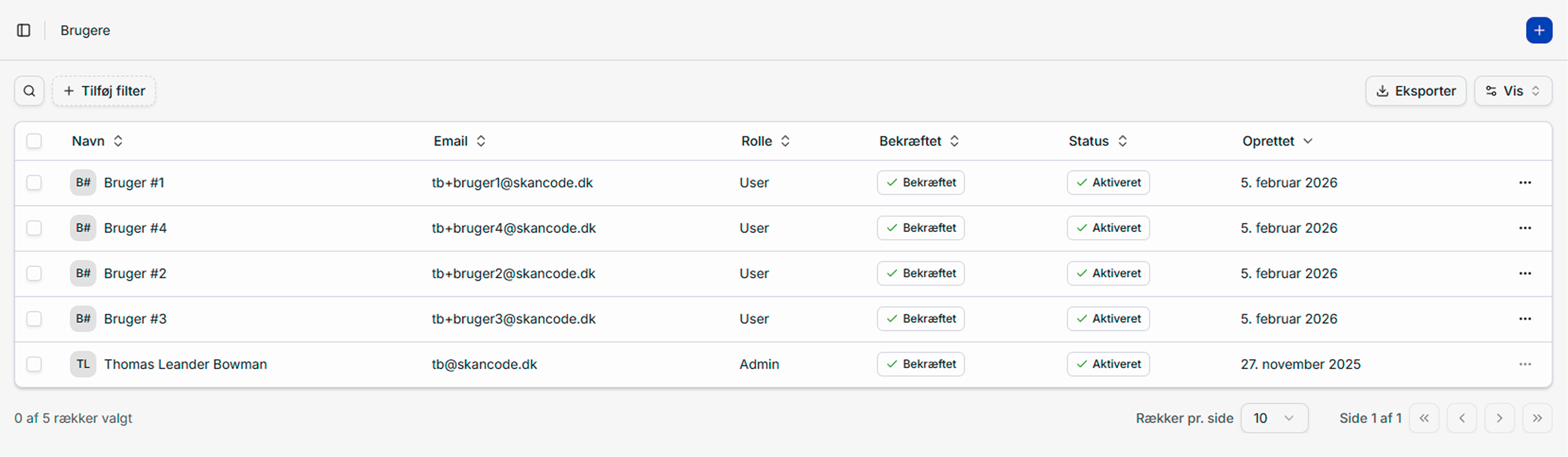
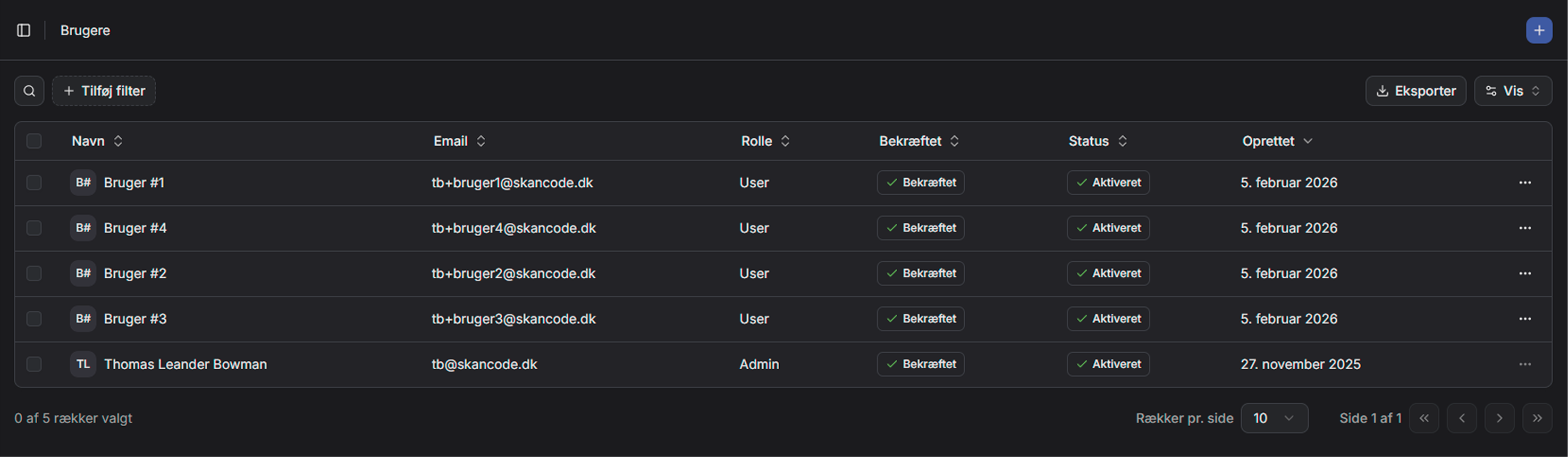
In the user overview you have a consolidated view of all active users. Here you can see status, adjust accesses, and remove users when needed – all in a single view.
Related features in SkanMate
Build and customize tables visually on the web – with live preview in both app and web. Fast, intuitive and completely code‑free.
Create your own mini‑apps without code. Customize fields, structure and access – fast and flexible, directly on the web.
Share tables securely with others via readable links – no login and no edit access. Choose what to display and for how long.
Har du spørgsmål?
Så tøv ikke med at kontakte os. Vi er altid friske på at snakke om SkanMate.

